 Yesterday
The shared disposable camera
Every guest gets a camera. The photos come tomorrow.
Yesterday turns everyone's phone into a disposable camera for your event. Guests join with one QR code, shoot a set number of photos, and every shot develops together when the event is over.
Made for
Every day worth remembering
 OCT 17 9:02
 OCT 17 9:40
 OCT 17 11:15
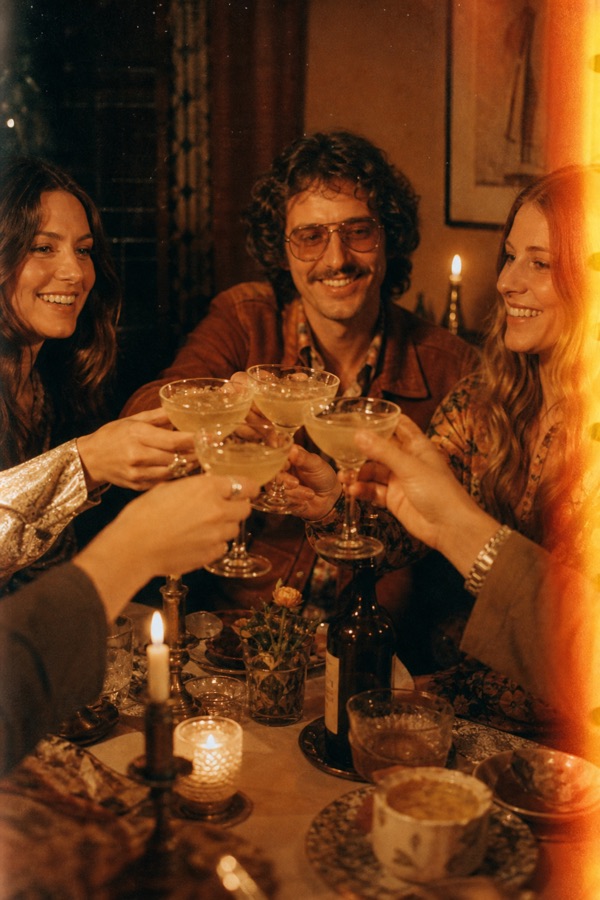
The day, as your guests saw it
Put a QR code on every table. While you're busy saying hello, your guests catch the candid moments you'd never see otherwise. Wake up the next morning to the whole day from a hundred angles, with their wishes on a voice or video tape.
 MAR 3 8:30
 MAR 3 9:12
 MAR 3 10:47
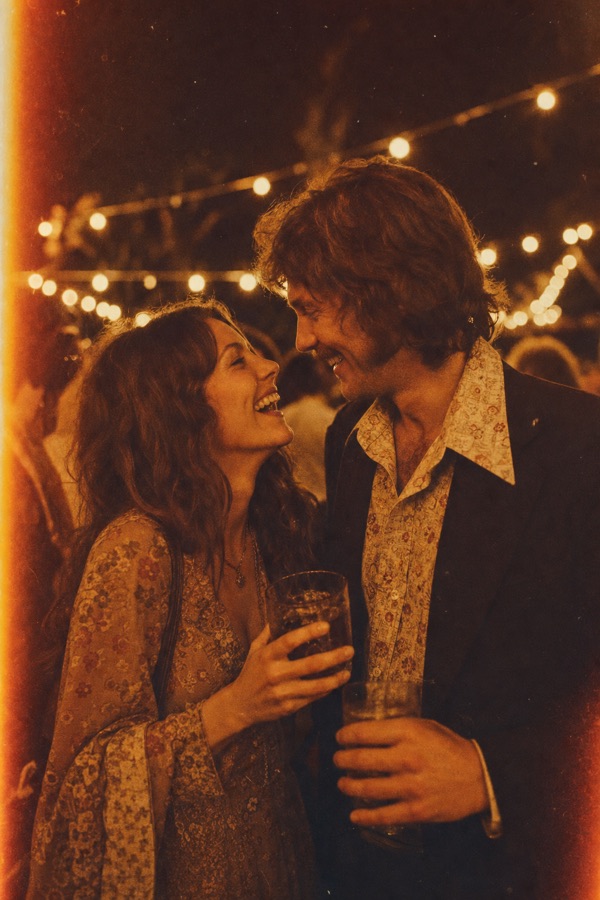
Party now, photos tomorrow
No one stops the party to check their camera roll. Everyone has a few shots to make count, and the whole night shows up together the next day, with a tape of birthday messages for the guest of honour.
JUL 9 4:20JUL 10 7:05JUL 12 9:33One roll for the whole group
Everyone shoots on the same film, with the place and time saved on every shot. When you're home, the trip develops all at once, and nobody has to chase anyone for their photos.
MAY 18 2:10MAY 18 2:46MAY 18 3:30Messages to open later
Collect photos from the afternoon, and let friends and family record a voice or video message for the new arrival, kept safe on a tape you can play back together.
NOV 28 6:15NOV 28 7:02NOV 28 8:40The team night, from the team
From offsites to launch parties, give everyone a camera with one code on the screen. Choose whether everyone sees the gallery or only you, and how many guests can join.
How it works
Three steps to a shared roll
Create your event
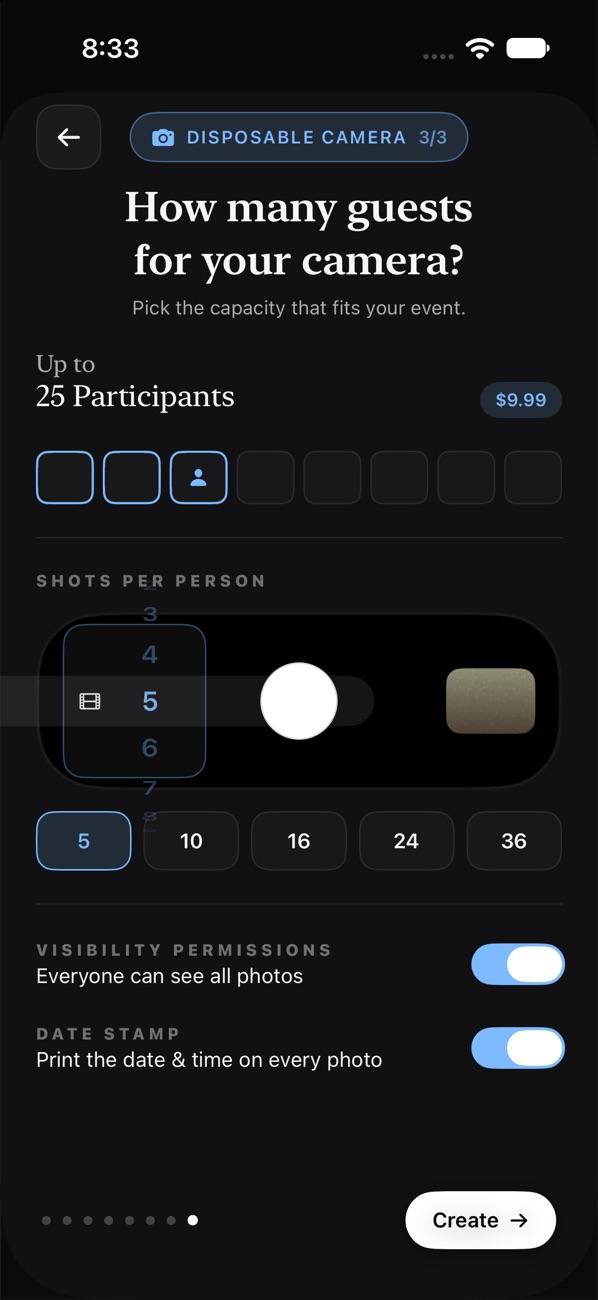
Name it, add a cover and pick what guests can do: a disposable camera, voice messages, video messages, or all three. Choose shots per person and when the photos reveal.
Share one code
Every event gets one QR code and link. Guests scan it with their iPhone camera and they're in, no download needed, with the camera, voice and video messages all together.
 Scan to join
SAMSDAY
Reveal together
Photos stay undeveloped, even for the host, until the reveal time you chose. Then everyone's shots appear at once, ready to save and share.
One event, three ways to remember it
Camera, voice and video


Disposable camera
A few shots each. Make them count.
Give every guest a fixed number of shots, just like a real disposable. No retakes, no filters to fiddle with, just the moment.
- Original, Vintage or Black & White film looks
- An optional orange date stamp on every photo
- 5 to 48 shots per person; reveal during, after or later
- Shots save on the phone first and upload when there's signal

Voice messages
A tape full of wishes
Add a prompt like "Share your favourite memory" and every guest records a voice message of 10 to 60 seconds. You'll see who's recorded, but the tape only plays when recording closes.
- Pick the label colour and the prompt
- Play the whole tape back to back
- One recording per guest, re-record any time before it closes

Video messages
Faces, not just words
Guests leave a short selfie video message, like a camcorder passed around the room. Messages stay sealed until recording closes, then play in one go.
- Front camera by default, 10 to 60 seconds each
- One invite covers the camera, voice and video
Pricing
Free for small gatherings
Every feature includes 5 guests for free. For bigger events, pay once per feature: no subscriptions, ever. Need more later? Add guests in packs at the same prices.
Disposable camera
Guests who can join the camera
| Up to 5 guests | Free |
| Up to 10 guests | $3.99 |
| Up to 25 guests | $9.99 |
| Up to 50 guests | $29.99 |
| Up to 100 guests | $49.99 |
| Up to 150 guests | $99.99 |
| Up to 200 guests | $129.99 |
| Unlimited guests | $199.99 |
Voice & video messages
Guests who can leave a message
| Up to 5 guests | Free |
| Up to 10 guests | $19.99 |
| Up to 25 guests | $39.99 |
| Up to 50 guests | $49.99 |
| Up to 100 guests | $69.99 |
Prices are in US dollars. The App Store shows the price in your own currency before you buy.
FAQ
Questions, answered
How do guests join?
Share your event's QR code or link. Guests scan it with their iPhone camera (or tap the link) and Yesterday opens instantly as an App Clip, with no download needed. They type their name and can start shooting and leaving messages. One code covers the camera and any voice or video messages.
When do the photos reveal?
You choose when you create the event: during the event, as soon as it ends, or after an extra delay. Every photo develops at the same moment.
Can the host see photos before the reveal?
No. Nobody can see the photos before the reveal, not even the host, so the reveal is a surprise for everyone. After the reveal, you choose whether everyone can see the whole gallery or only you.
How many photos can each guest take?
You set the number of shots per person, from 5 to 48, just like a real disposable camera.
Does it work without internet?
Yes. Every shot is saved on the phone first and uploads automatically as soon as there's a connection again.
How do voice and video messages work?
Add them when you create your event, or later from the event screen. Each guest records one message of 10 to 60 seconds. You can see who has recorded straight away, and the messages play once recording closes.
How much does it cost?
Each feature is free for up to 5 guests. For more, you pay once per feature when you create the event, and you can add guests later in packs. There are no subscriptions. See pricing.
Is Yesterday on Android?
Yesterday is on iPhone for now.
Can I delete my photos or my account?
You can delete any photo you took from the photo viewer, which gives you the shot back. You can delete your account in Settings, which deletes it with every event you host and their photos and recordings.
Your next event, developed together
Free to start. Set up in a minute.
Scan with youriPhone camera